Decalcomania for iPhone Duo
Open up to a mirror image.
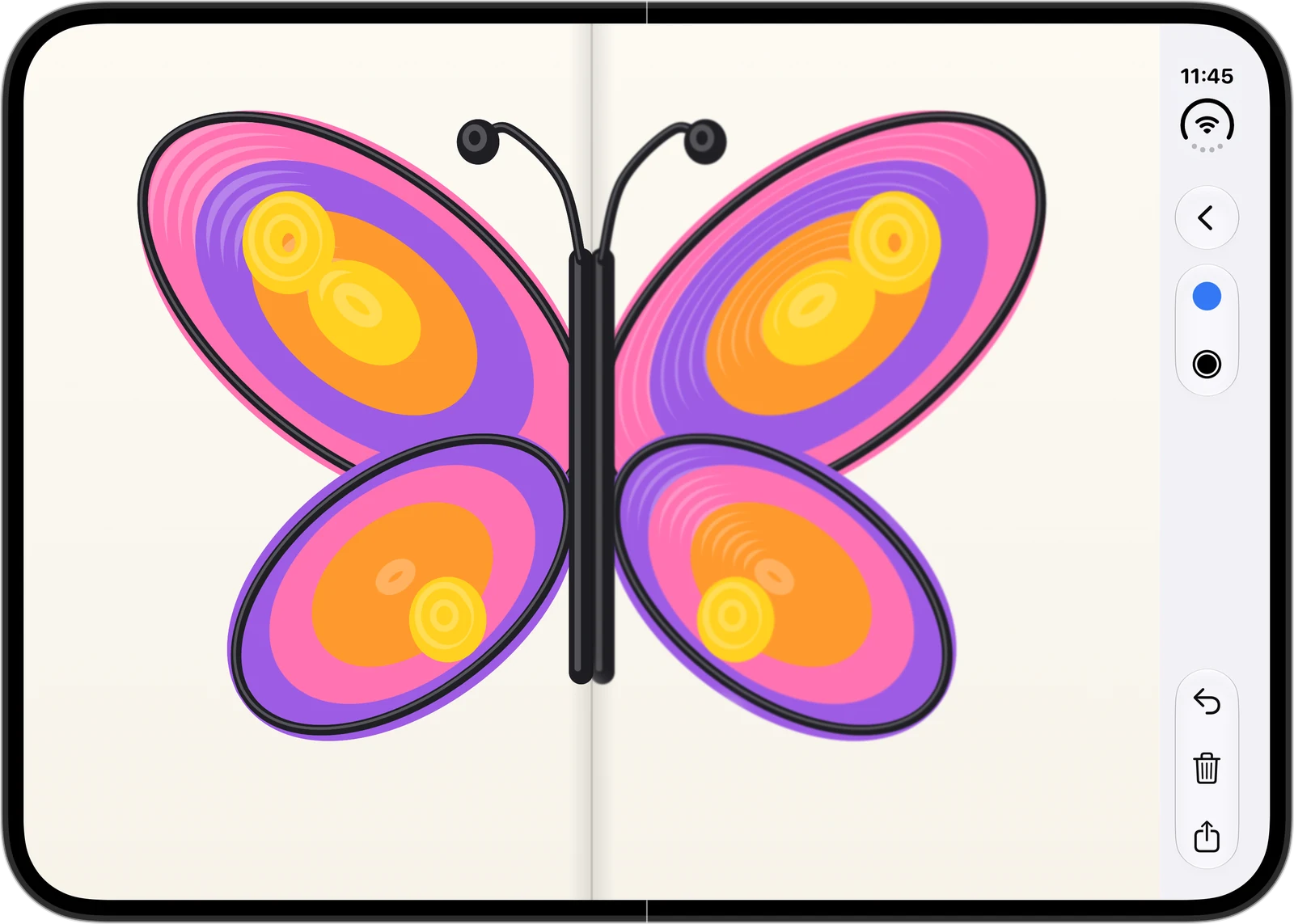
Paint on one half of the open paper, fold it and press the back. Unfold, and the spots you pressed slowly appear on the other half, mirrored.
iPhone Duo · iOS 27.1 or later
How it plays
Three moves. Folding and unfolding is the game.
-
Paint
Draw on either half of the open paper with a finger or Apple Pencil. Pick the color and brush size from the side buttons.
-
Fold and press
Fold your iPhone Duo and the outer display becomes the back of the paper. Rub the spots you want to print.
-
Unfold
Only the spots you rubbed print onto the other half, mirrored. Everything else stays as it was.
Paper, edge to edge
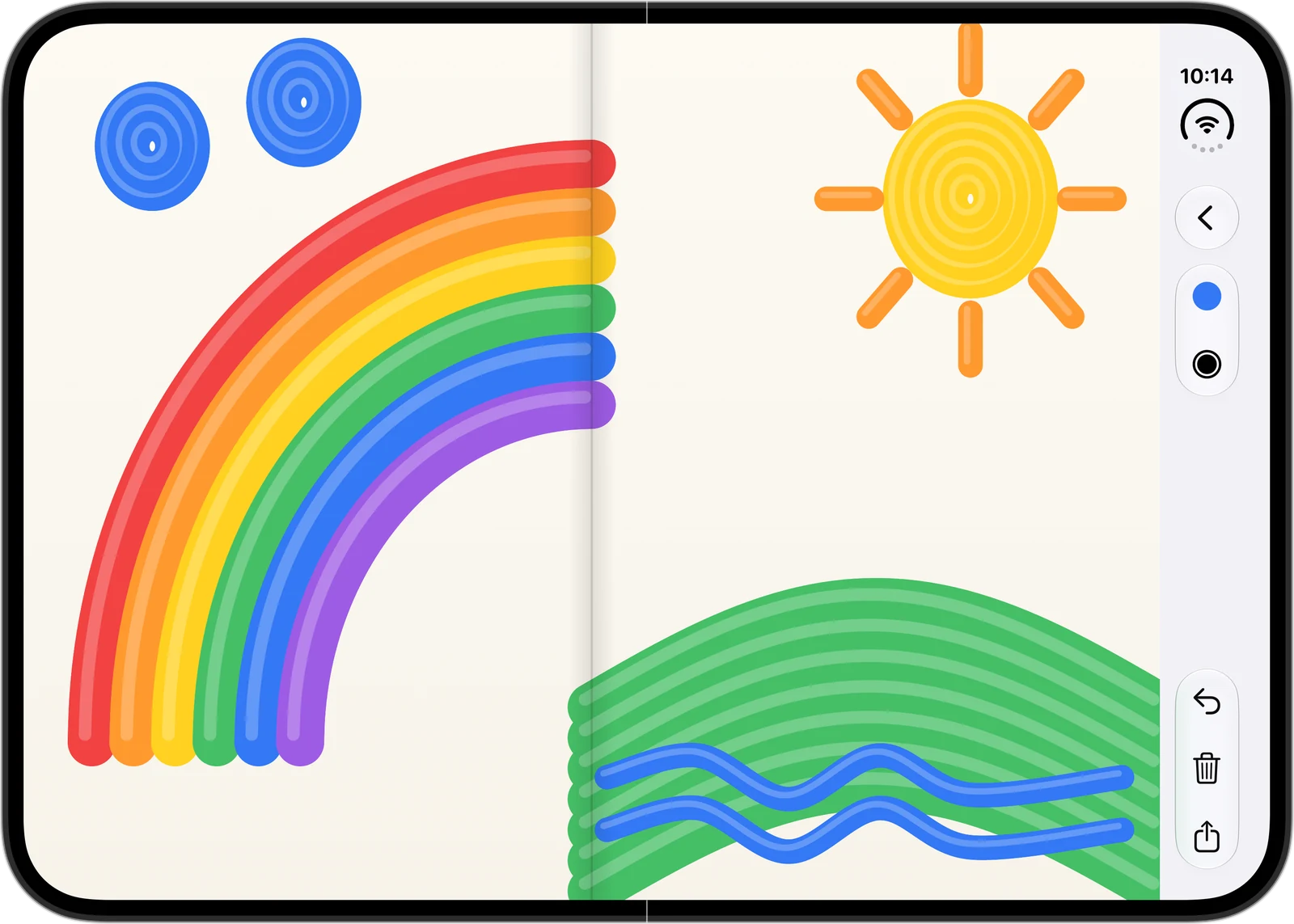
The paper fills the screen right to its edges. Every tool lives in the side buttons, so nothing covers your drawing.
Every sheet in its place
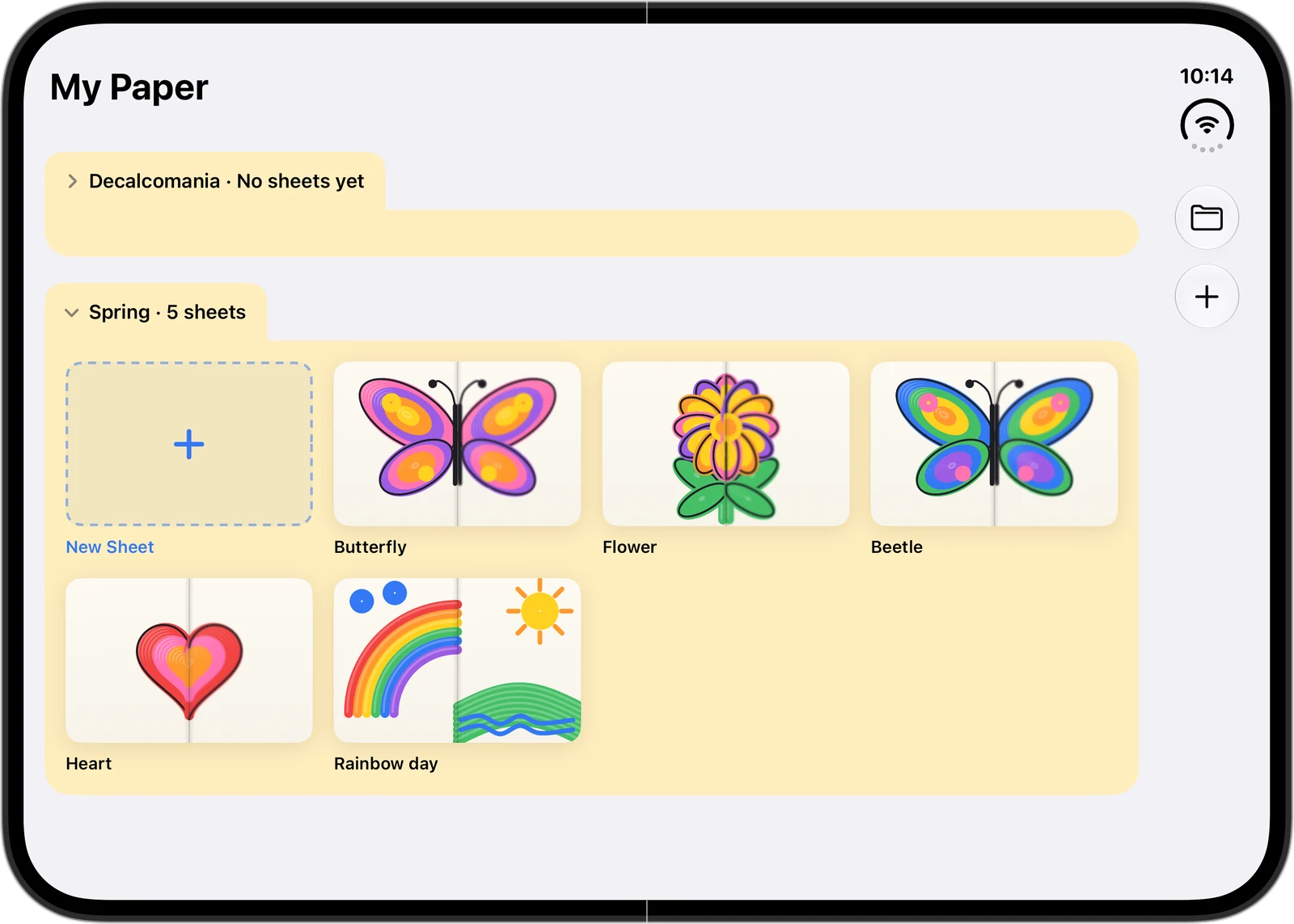
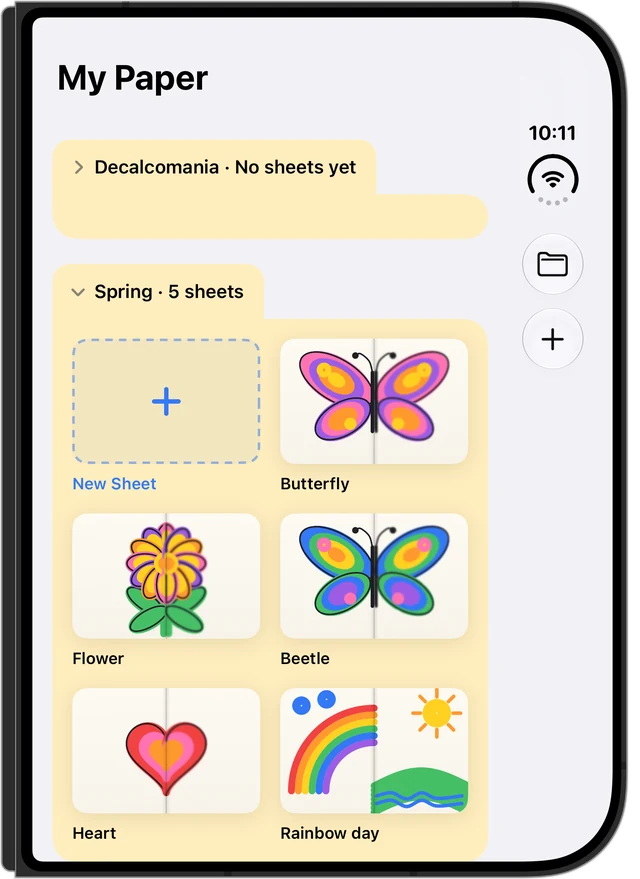
Name your sheets and sort them into folders. Folders fold and unfold from their tabs, like folders in a file browser.
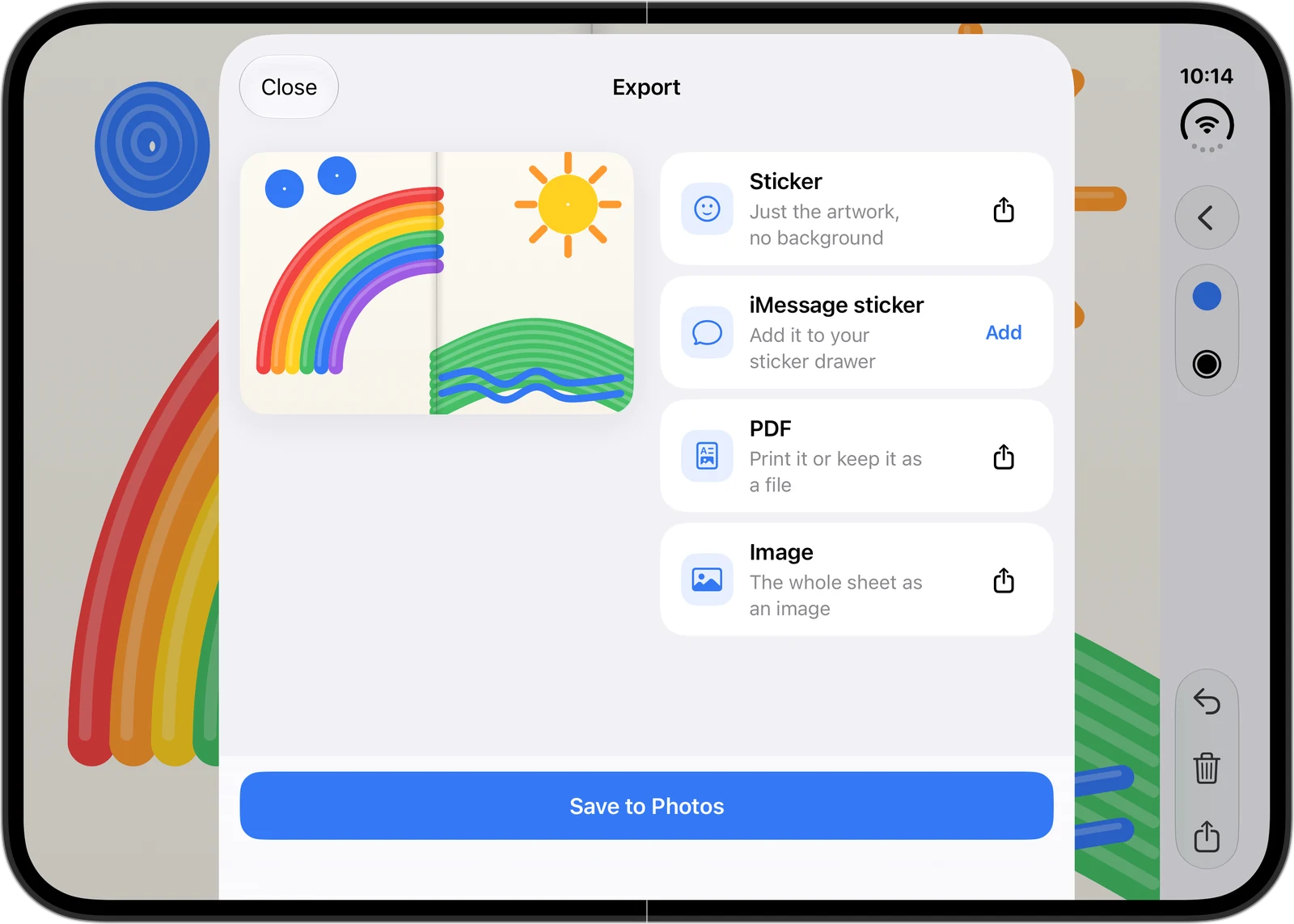
Share it as a sticker
Send your artwork as a sticker with no background, as an iMessage sticker, or save it to Photos or as a PDF or image.
Works folded, too
The outer display is the back of the paper. You can't draw on it, only press.
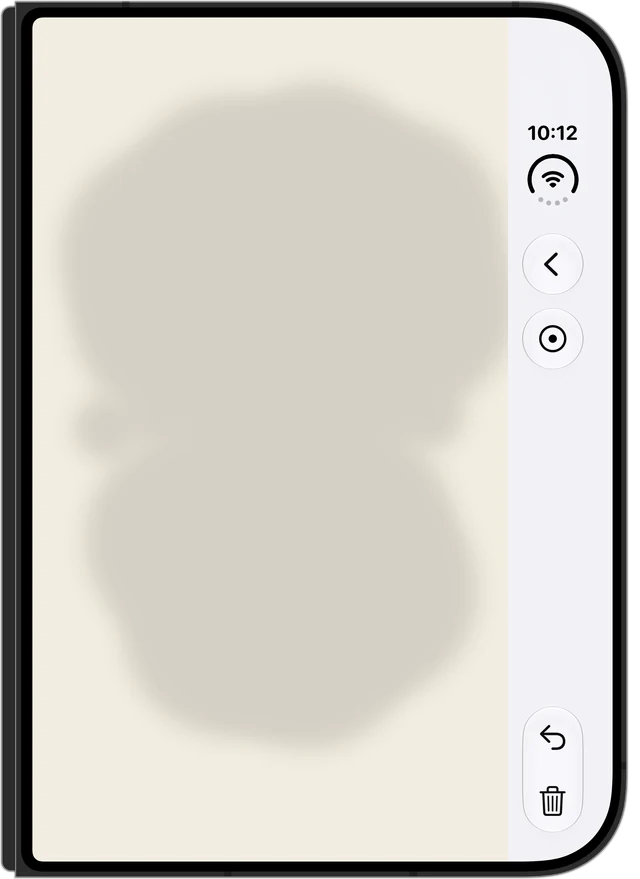
- Pick a small, medium or wide press, or the eraser to wipe pressed marks.
- Undo the last press or clear everything you pressed in this fold.
- Folders stay visible when folded. Closing the phone never opens a different sheet.
Small things that matter
Apple Pencil
Draw with Apple Pencil like a finger. Tilt it for a wider line; your palm is ignored while it works.
Saves itself
Everything saves as you draw. Open a sheet again any time and keep going.
iMessage stickers
One tap in Export puts your artwork in the sticker drawer in Messages.
Collects nothing
No server, no ads, no analytics. Your drawings stay on your device.